Little Caesars Order Tracking: How to Check Your Order Status
Learn how to track your Little Caesars order online, check delivery or Pizza Portal pickup status, decode order stages, and resolve missing confirmations or delays.
📢 Independent Fan Site Disclaimer
This article is part of our independent reference guide. LittleCeasarsMenu.com is a fan-run website and is not affiliated with, authorized, or sponsored by Little Caesars Enterprises, Inc. All registered trademarks, logos, and prices belong to their respective owners and may vary by location.How to Track a Little Caesars Order
To track a Little Caesars order, open the official Little Caesars app under Orders, click the direct tracking link in your email or SMS confirmation, or enter your order number on the website lookup page. For Pizza Portal pickup, you will receive a 3-digit PIN code when ready. Delivery orders feature live GPS driver tracking via DoorDash or the mobile tracker.
Whether you placed an order for instant carryout, Pizza Portal pickup, or doorstep delivery, knowing your exact Little Caesars order status helps ensure your food is hot, fresh, and ready when you arrive. For full nationwide menu pricing across all items, check our complete Little Caesars menu and prices guide.
How to Check Your Little Caesars Pickup Order
If you selected carryout or Pizza Portal pickup, Little Caesars tracks your order through the store kitchen's electronic display screens. Here is how to check your pickup order status step by step:
1. Mobile App Live Tracker
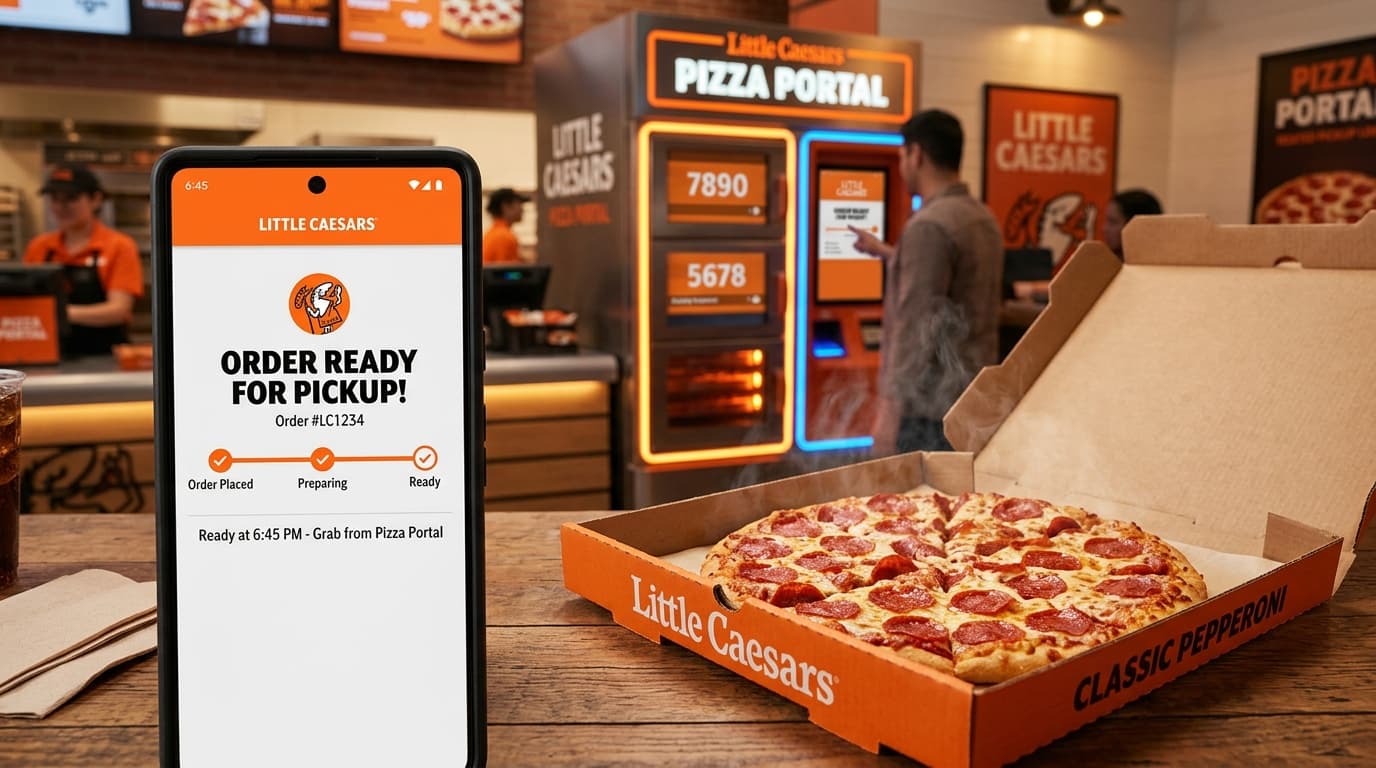
Open the official app on iOS or Android and tap Orders. Active orders show a real-time status bar moving from Order Received to Preparing, Baking, and Ready in Portal. For full app instructions, read our Little Caesars app and Pizza Portal pickup guide.
2. Pizza Portal 3-Digit PIN & QR Code
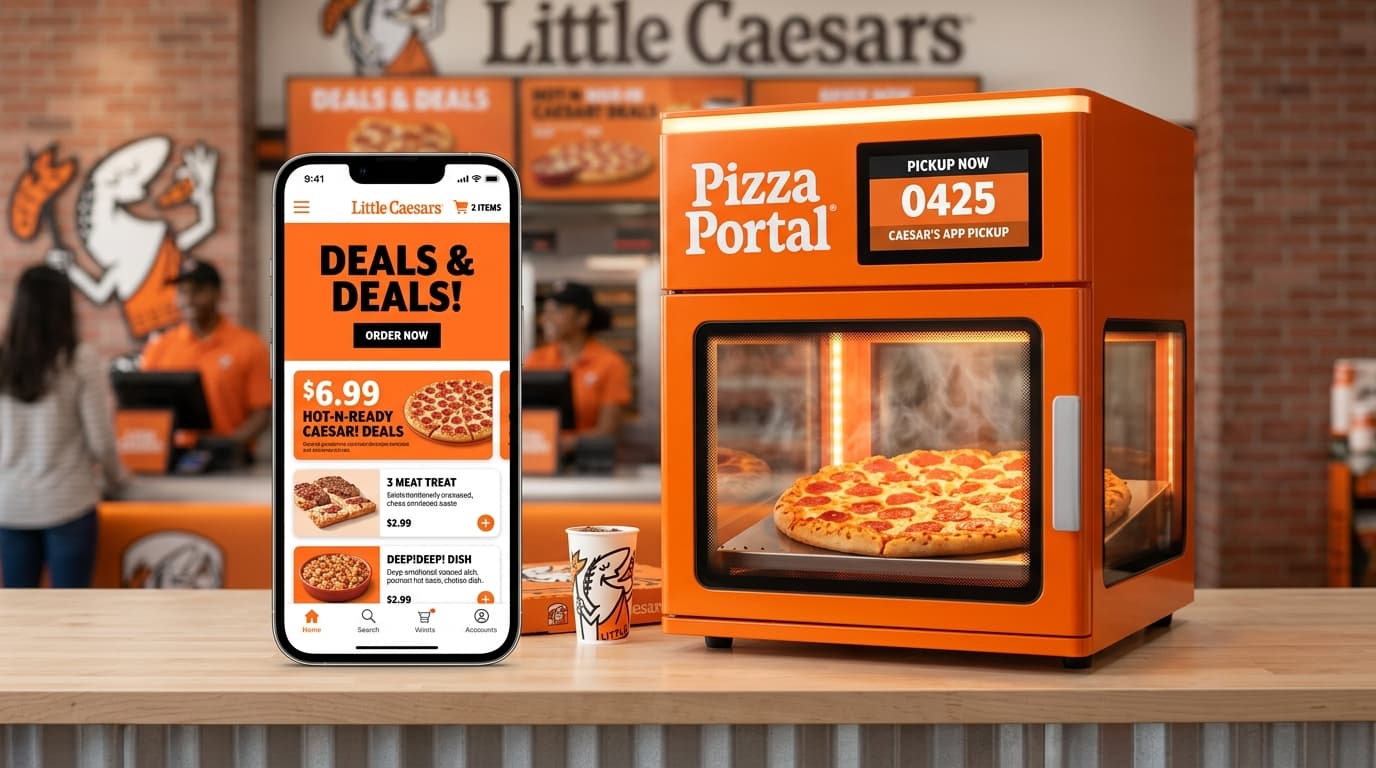
When your pizza finishes baking in the 475°F conveyor oven, kitchen staff slide your order into a heated Pizza Portal locker. An automated push notification and SMS text send you a 3-digit PIN code and digital QR code for instant scan-and-go pickup.
3. In-Store Register Pickup Screen
If you didn't receive a digital code, simply walk up to the counter and provide your name or order number. Store staff can check their POS display and retrieve your heated box manually.
How to Track a Little Caesars Delivery Order
Little Caesars provides doorstep delivery by partnering with major logistics networks. Depending on how you placed your order, tracking information appears in two ways:
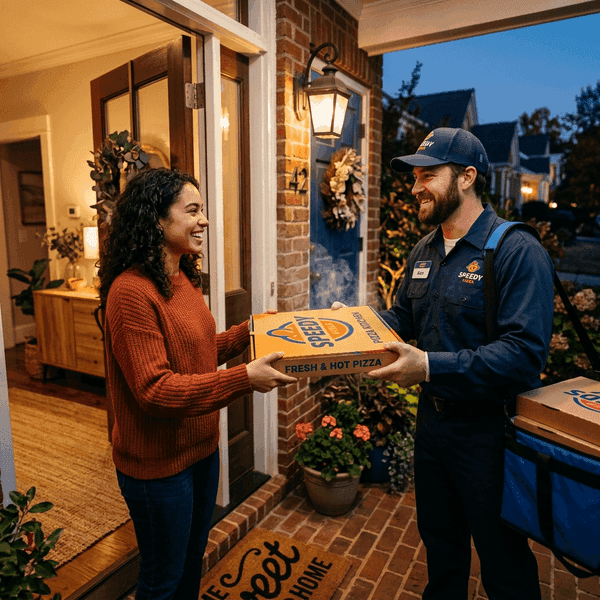
- Ordered via Official Little Caesars App/Website: After kitchen baking finishes, a delivery driver is dispatched. Your confirmation SMS sends a live GPS tracking link so you can view the driver's vehicle position on a map in real time. For details on delivery fees and minimums, consult our Little Caesars delivery guide.
- Ordered via Third-Party Delivery Apps: If ordered directly inside Uber Eats, Grubhub, or DoorDash, track driver status, arrival ETA, and driver chat inside that third-party app.
What Do Little Caesars Order Statuses Mean?
When checking your order online, your order transitions through six primary status stages. Here is what each status stage represents:
| Order Status Stage | What Is Happening in Store | Recommended Customer Action | Estimated Time Window |
|---|---|---|---|
| Order Received | Store POS kitchen screen has registered your payment and ticket. | Wait for kitchen preparation to start. | 1 – 3 Mins |
| Preparing | Staff stretching dough, spreading sauce, cheese, and toppings. | Preparation underway in store. | 3 – 5 Mins |
| Baking | Pizza traveling through 475°F commercial conveyor oven. | Head to store location if picking up. | 6 – 8 Mins |
| Ready for Pickup | Food boxed and stored inside heated Pizza Portal locker. | Scan QR code or type 3-digit PIN at locker. | Instant Pickup |
| Out for Delivery | Driver loaded thermal bags and is driving to your address. | Track driver vehicle position on live map. | 15 – 30 Mins |
| Delivered / Completed | Order handed to customer or placed at doorstep. | Enjoy your meal! | Completed |
Note: Live tracking screens may experience minor 2-3 minute display delays during peak 4 PM to 8 PM dinner rushes.
Do You Need a Little Caesars Order Number to Track Your Order?
Whether you need an official order number depends on how you placed your order:
-
•
Signed-In Mobile App Users: No order number is required! Simply open the app, and active orders display automatically under your account profile.
-
•
Guest Checkout Web Users: You will need your Order Number (found in your email subject line) plus the phone number or email address used at checkout.
-
•
In-Store Register Orders: Keep your printed register receipt. Staff can locate your order ticket using the receipt order number or customer name.
Why Is My Little Caesars Order Not Showing?
If your order tracker screen appears empty or shows an error, here are the most common causes and how to resolve them:
1. Logged In with a Different Email or Phone Number
If you placed your order as a guest or used Apple ID / Google Wallet, the confirmation email may be linked to an alias email address rather than your main app profile.
2. Payment Verification Pending
If card authorization delays occur, the store kitchen will not receive your order ticket until payment clears. Check your bank app to confirm whether a pending charge appears.
3. Temporary Server Refresh Lag
During high-volume periods (such as Super Bowl Sunday or Friday evening rushes), order status servers may take 2 to 3 minutes to refresh active ticket queues.
Why Is My Little Caesars Order Late?
If your order is past its estimated pickup or delivery window, take these practical steps:
- Check Store Queue Volume: Peak carryout hours (4:00 PM to 8:00 PM) can extend oven wait times by 10 to 15 minutes due to high walk-in volume.
- Verify the Selected Store Address: Double check that your order was placed at your nearest store location and not a store in a neighboring town.
- Call the Store Directly: Phone your local store (number listed on your email confirmation screen) and provide your order name so staff can give an exact baking update.
What If I Didn't Receive My Order Confirmation?
Missing a confirmation email or text message? Follow this quick recovery checklist:
- Check your email Spam, Junk, and Promotions folders.
- If using Apple Pay, check the email address assigned to your Apple Wallet ID.
- Check your credit card account to confirm a charge was created.
- If you need to adjust or cancel an unconfirmed ticket, learn how to cancel a Little Caesars order before kitchen prep starts.
How to Track a Little Caesars DoorDash Order
DoorDash handles a large portion of official Little Caesars delivery fulfillments. If you ordered through DoorDash or received a DoorDash driver dispatch link:
You can view live driver GPS map movements, driver vehicle details, and direct text/call options inside the DoorDash app. For full instructions on DoorDash ordering hacks and tracking tricks, read our detailed guide on Little Caesars DoorDash order tracking.
Little Caesars Order Tracking Secret Tips & Insider Hacks
Maximize your order experience with these insider tracking tips used by Little Caesars regulars:
Tip 1: Order 5 Minutes Before Leaving Home
Place your mobile order 5 minutes before leaving home. By the time you drive to the store, your pizza will be finishing its bake cycle and sliding directly into the heated Pizza Portal locker.
Tip 2: Save Your 3-Digit PIN Screenshot
Take a screenshot of your Pizza Portal 3-digit PIN code when it arrives in your email. This ensures you can unlock the heated locker even if your phone loses cellular signal inside the store.
Tip 3: Check SMS Links for Driver GPS
Delivery orders send an automated SMS link when the driver departs the store. Tap the link to open a browser map showing exact driver ETA without needing a DoorDash account.
Tip 4: Use Coupon Codes Before Checkout
Always apply promo codes before finalizing your order tracker ticket. View active discounts on our current Little Caesars deals and promo codes page.
Tip 5: Check Slice Counts for Party Group Orders
Ordering multiple large pies for a party? Check our guide on how many slices in a Little Caesars pizza to verify box counts before pickup.
Summary & Helpful Links
Tracking your Little Caesars order is fast and convenient through the mobile app, SMS alerts, or website lookup. For more menu pricing, slice breakdowns, and discount guides, check out our related articles:
Featured Menu Items in This Guide
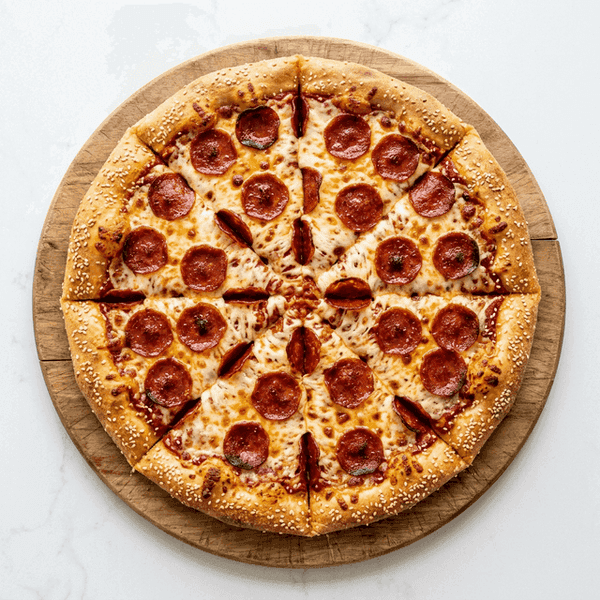
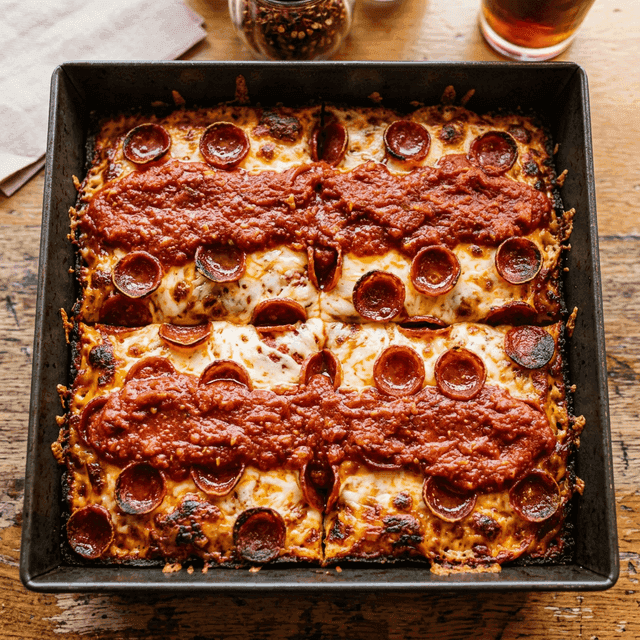
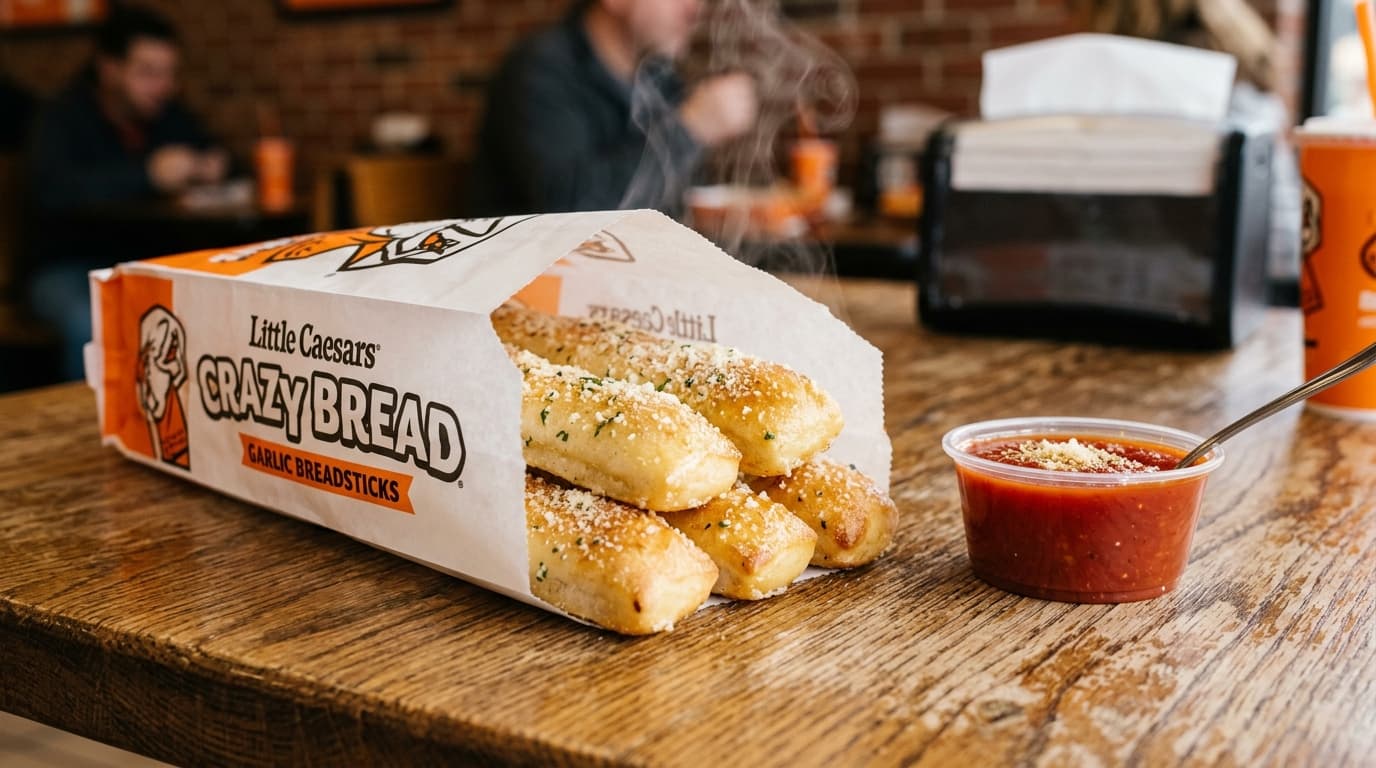
Verified Editorial & Price Research
The LittleCeasarsMenu Editorial & Nutrition Team
Our articles are co-authored and reviewed by Marcus Vance (Lead Fast-Casual Pricing Analyst) and Elena Rostova, MS, RD (Food Allergen & Nutrition Specialist). We conduct weekly price checks across Detroit, Chicago, and California franchises and audit official nutrition data to ensure complete consumer transparency.